
3D face scanning with an iPhone, using Faceliora
A 3D face scan for DooDeeClinic is made with the Faceliora app on an iPhone, because DooDeeClinic does not scan faces itself. The clinic scans the client with Faceliora and opens the scan in a case; a clinic that already uses another scanner can import GLB, OBJ or ZIP files instead. A good scan is the start of a good simulation, so this page explains how to make one.
From iPhone to case
In Faceliora, the person scanning signs in with the clinic’s DooDeeVision account, chooses before (a new case) or after (an existing case), chooses the patient and confirms consent if none is on record. After capture the app builds the 3D model and sends it to the clinic, and DooDeeClinic lists it in its phone-scan inbox for the clinic to open. Sending through the account depends on the version of Faceliora installed; where it cannot yet, save the scan as a file and import it into DooDeeClinic.
Before the scan
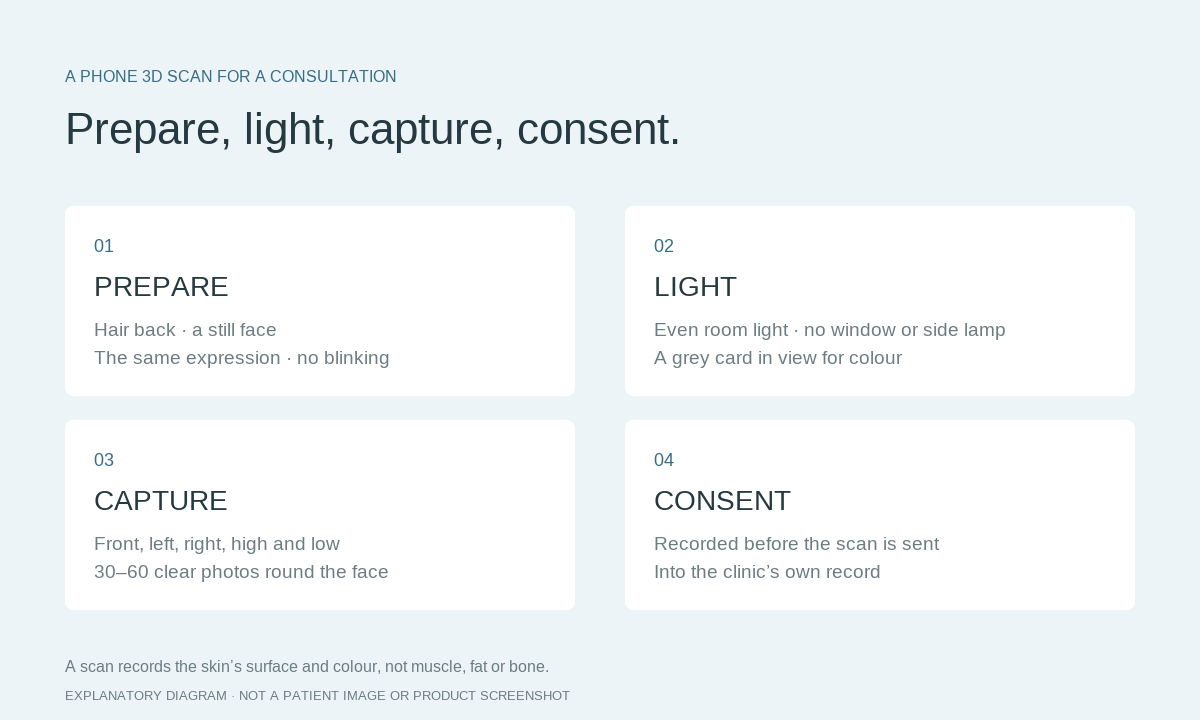
Preparing the same way every time makes scans easier to compare.
- Use an iPhone that Faceliora supports; a self-scan needs a TrueDepth front camera.
- Tie the hair back, clear of the forehead, the ears and the jaw line.
- Keep the face still with the same expression, and no blinking until the scan ends.
- Use even room light: close the curtains and switch off any lamp beside the client.
- Clip the grey card or ColorChecker the clinic was given flat on the chest, facing the camera.
Capturing the face
Hold the iPhone in landscape and move around the still face as the markers on screen ask, front, left, right, high and low, until there are enough clear photos, usually 30–60, and check the coverage before finishing. For a self-scan, keep the phone still and turn the head as the spoken directions ask.
Importing files from another scanner
A scan from another app can be opened as a GLB file, an OBJ file, or a ZIP holding an OBJ with its skin texture. The skin’s colour comes from the texture, and millimetres come from the face width the clinic confirms on the scan, so the unit used in the file does not matter.
Consent and privacy
A 3D face identifies a person, so under Thailand’s PDPA it is personal data. The clinic’s system keeps a phone scan only for a patient whose consent is recorded, each clinic’s data is kept apart, and the system logs who opened or changed a case. The simulation is computed on the clinic’s computer. Explaining the purpose to the client and obtaining consent remain the clinic’s duties.
What a scan records
A scan records the shape and colour of the outer skin, not muscle, fat or bone. Light, movement and hair change what it records, which is why the same preparation each time matters. Our article on phone 3D face scans covers this with the research behind it.
Every view in DooDeeClinic is a simulation for communication, not a guaranteed result, and does not replace a physician’s examination and advice.