
Evaluating facial-visualization software: a clinic demo checklist
A smooth demonstration on the presenter’s computer may not explain how your clinic will work. Prepare one task and ask to see its path from input to clinician-led discussion. This guide offers an evidence log, not a product ranking or a claim that any system includes every feature mentioned.
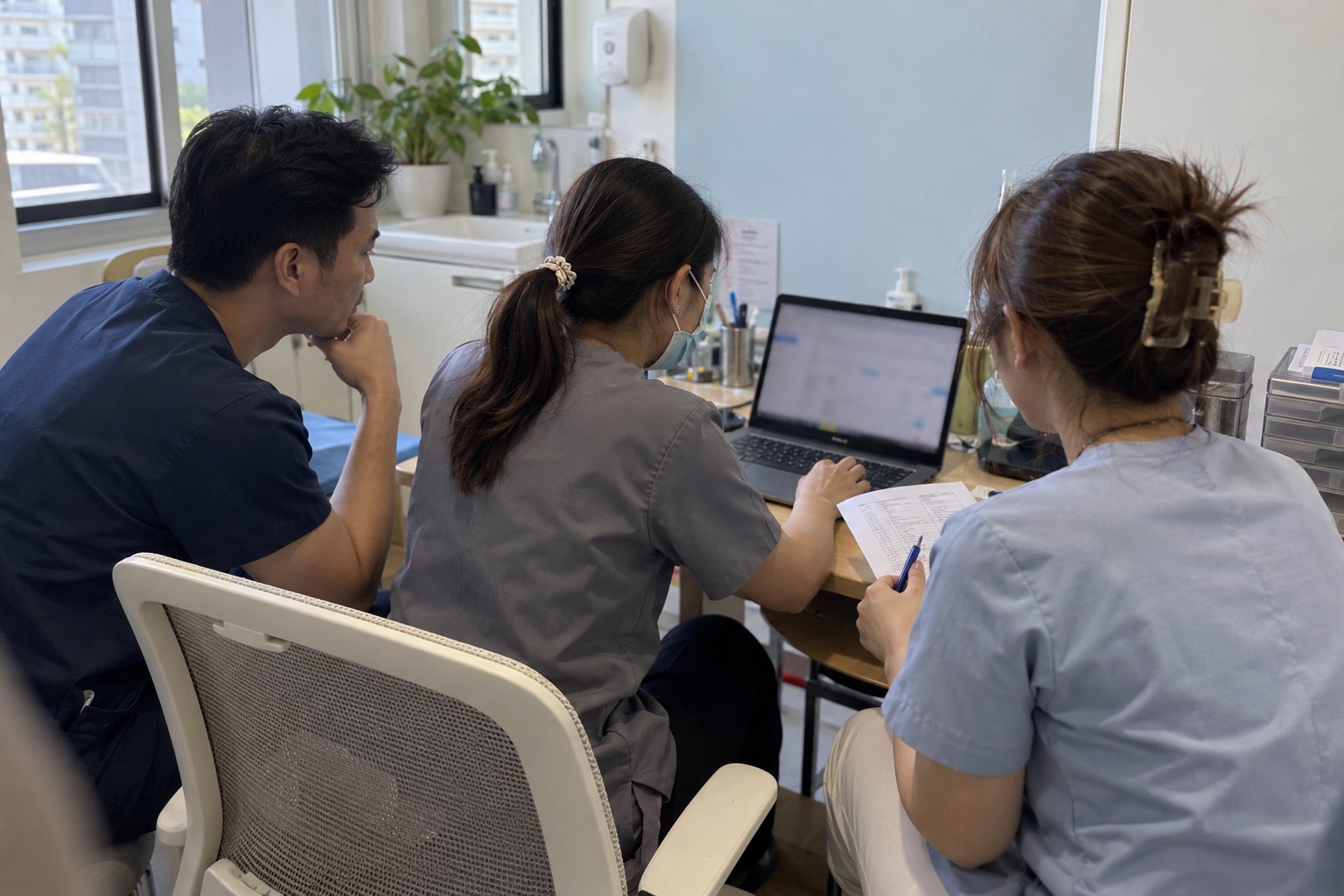
Define one task before the meeting
A possible brief is “open a model from the app we use and discuss the desired change with the clinician.” State who handles each step, what equipment is available and where the current process becomes difficult.
Separate essential starting requirements from later preferences. Confirming import compatibility may come before discussing other capabilities. Feature names alone do not show how the proposed system supports your chosen task.
- Task: describe the intended job in one sentence.
- People: identify roles and handover points.
- Dependencies: note questions that must be answered before starting.
Use an agreed input and check what was demonstrated
DooDeeClinic imports a model from an external app. Confirm the proposed app, device, version and export combination. Successfully opening a different provider’s sample does not establish compatibility with your clinic’s files.
Agree on an appropriate sample before sending it. Ask how successful import is checked and what information support needs if it fails. Renaming a file extension is not a compatibility check.
Let the intended user explain the view
Where the demonstration arrangements allow it, ask the intended user to try the agreed task. Record what they can do independently, what requires instruction and what remains unclear. This gives training a concrete focus.
Check whether the person reading the view can distinguish the original from adjustments and explain the question it supports. Visual realism is not evidence of clinical accuracy. A successful demo also does not prove improved revenue or treatment outcomes.
Separate observed behaviour from explanations
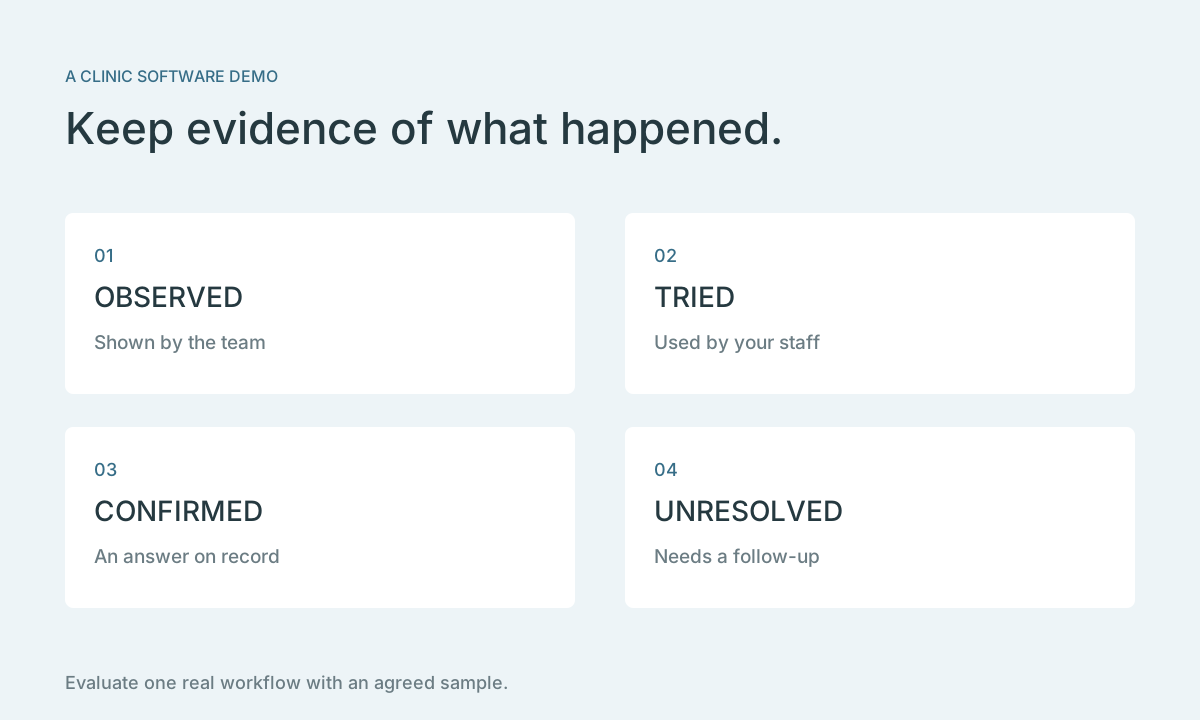
Use four statuses: observed or tried, explained, needs confirmation, and out of scope. Add the respondent and date. A planned capability belongs under development, not under ready-to-use features.
“The agreed sample opened” and “every phone works” are different claims. Keep records only under the agreed permissions; do not capture screens containing identifiable client information without addressing those permissions first.
| Topic | What to record |
|---|---|
| Inputs | App, device, version and agreed sample |
| Use | Task attempted, result observed and help needed |
| Training | Responsible person, instruction and open questions |
| Data and scope | Confirmed answers and outstanding items |
Complete the team and data conversation
Ask how onboarding works, who helps when a problem occurs and which answers need to come from the source app’s provider. Include staff handovers in the review, rather than evaluating only your most experienced computer user.
Before using a client’s data, confirm the purpose, transfer method, access and retention with the relevant parties. These are questions to investigate, not assertions that a product includes a particular storage, permission or sharing feature.
Choose a next step you can verify
Finish with three lists: confirmed points, unanswered questions and the owner of each next step. If compatibility is unresolved, verify the input combination first. If the team cannot explain the view, work on that task before assuming the entire clinic is ready.
DooDeeApp provides consumer-facing 2D analysis and simulation; DooDee Agency is Coming soon. Evaluate DooDeeClinic against its own confirmed scope and request a follow-up when a starting requirement remains unanswered.
Sources
Visualization supports a consultation. It does not guarantee treatment outcomes. Assessment and advice remain the physician’s responsibility.